
We can't find the internet
Attempting to reconnect
Something went wrong!
Hang in there while we get back on track
Polyphonic Typing
by
treb
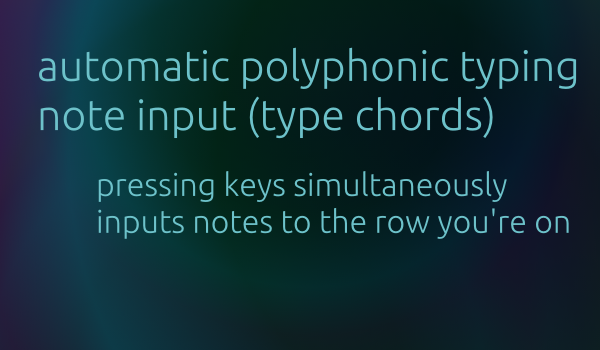
input chords (multiple notes) on one line while editing with the keyboard without holding shift and still allowing the editstep to apply. access it via Tools → Timed Chord Input now you can press multiple keys at the same time to input a chord to one row without using the arrow keys to move around and input each note individually or hold the left shift button while pressing the chords (that does work it’s just not convenient) the editstep stays set, so if you have playback stopped and recording mode (esc) is on, then you can input simultaneous notes to one line
com.treb.PolyphonicTyping.xrnx manifest.xml: <?xml version=”1.0” encoding=”UTF-8”?>
6.1 com.treb.PolyphonicTyping 0.4 treb Chord Editstep Pattern Input chords (multiple notes) on one line while editing with the keyboard without holding shift and still allowing the editstep to apply. thumbnail.png cover.png